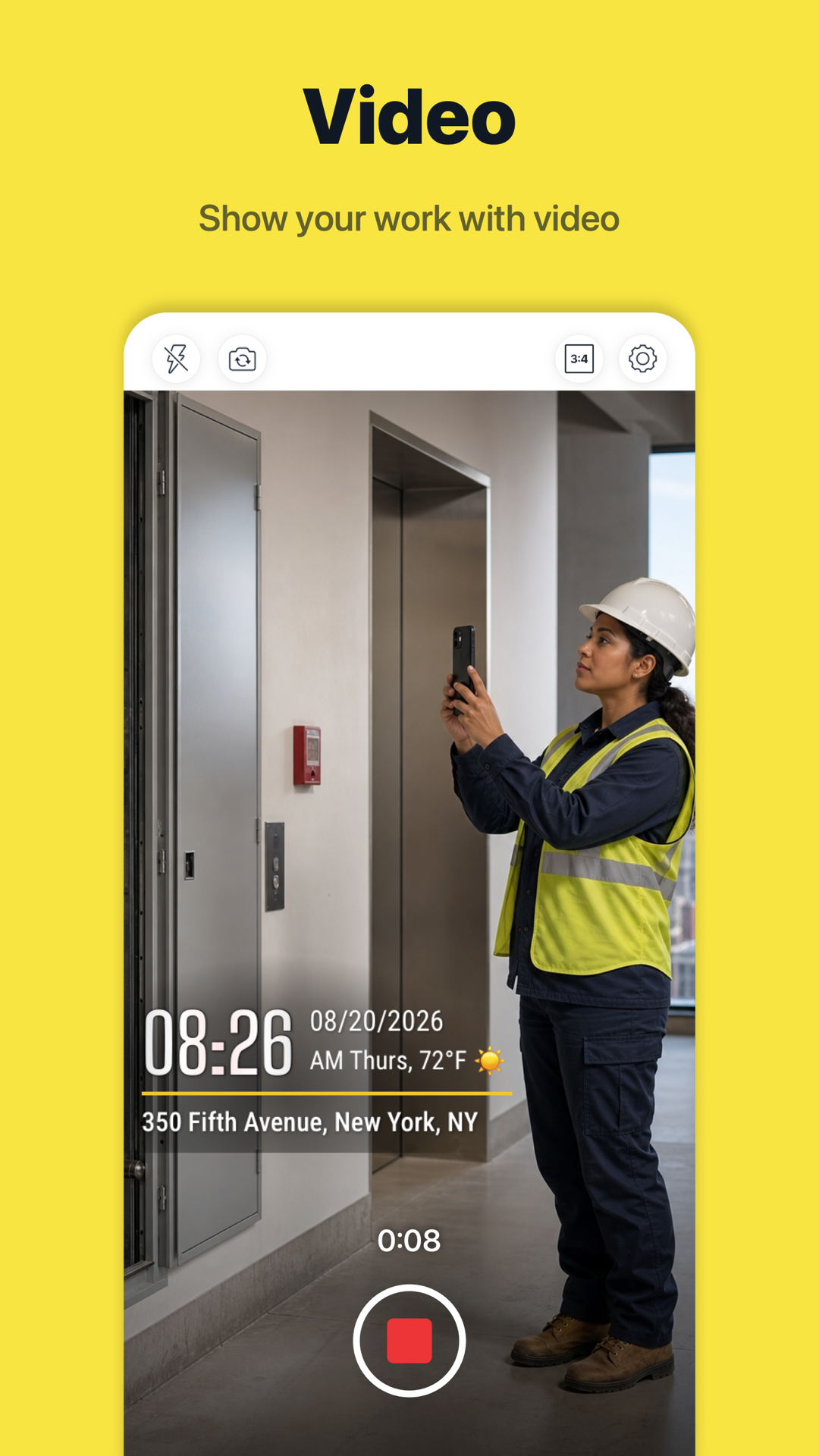
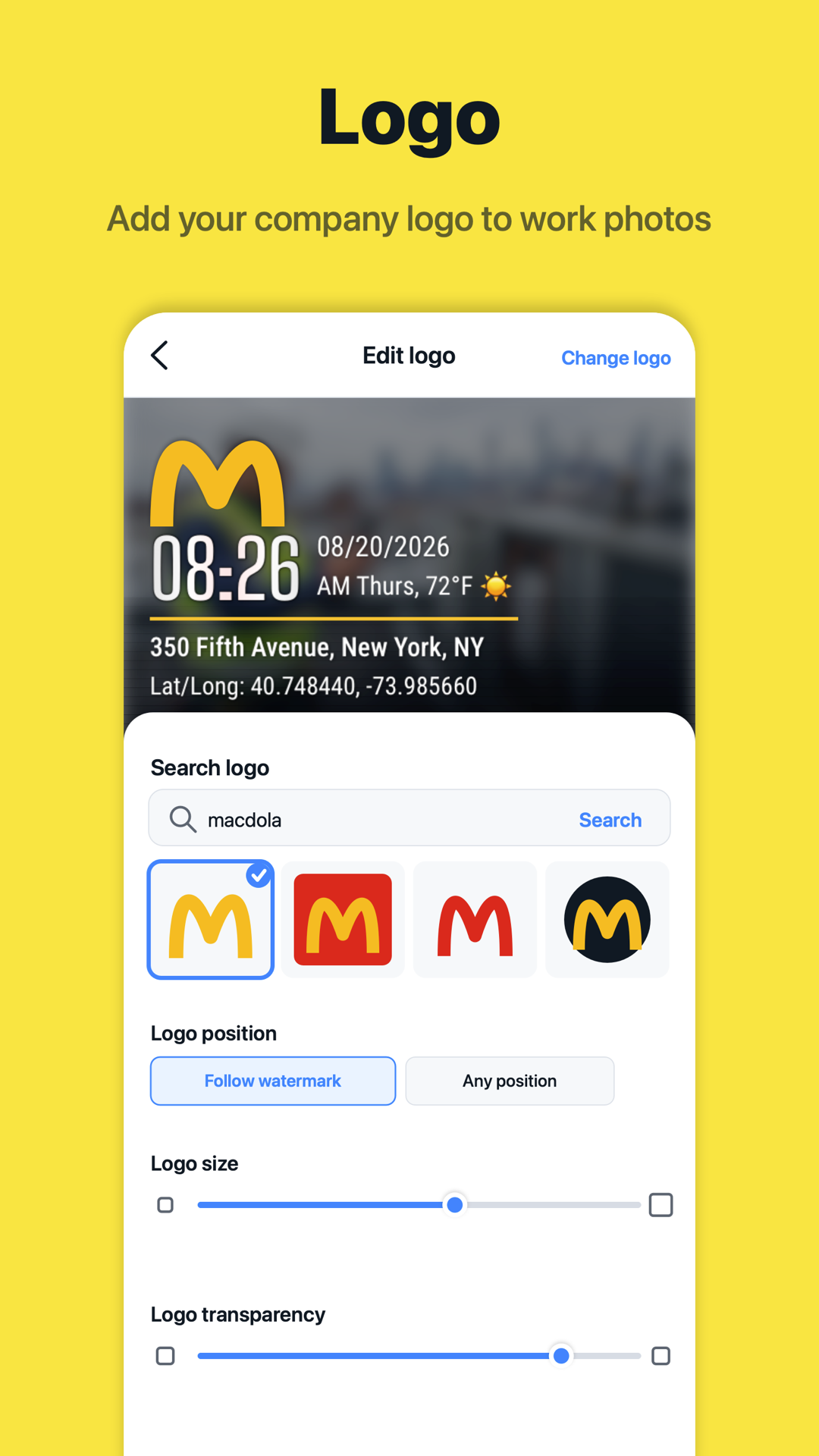
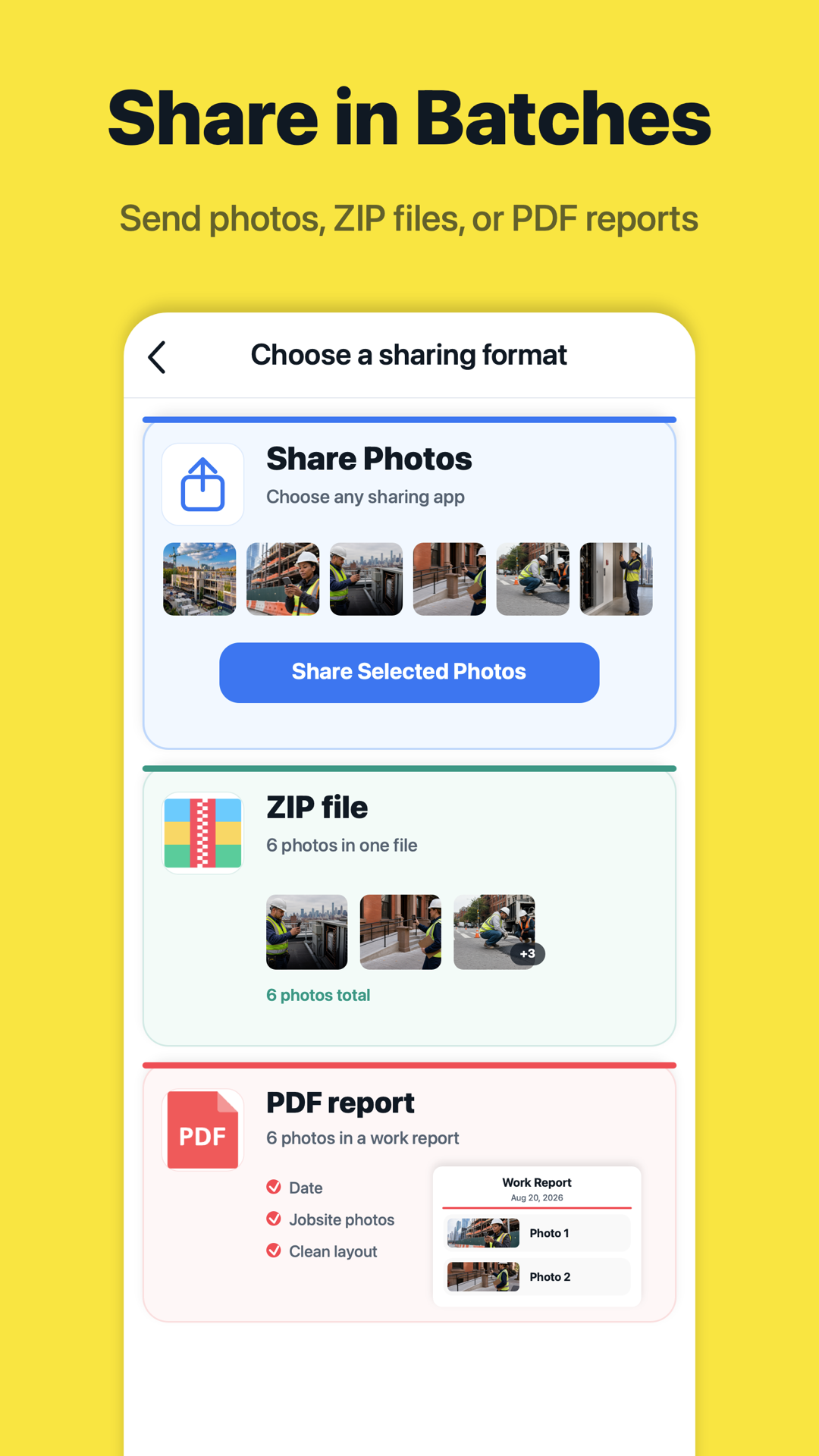
Work photos. Real time and place. Proof you can check.
Trusted network time. Protected location. Look up the capture record or upload a Timeprint photo to compare its time, place and image. Evidence for your team. Confidence for your review.
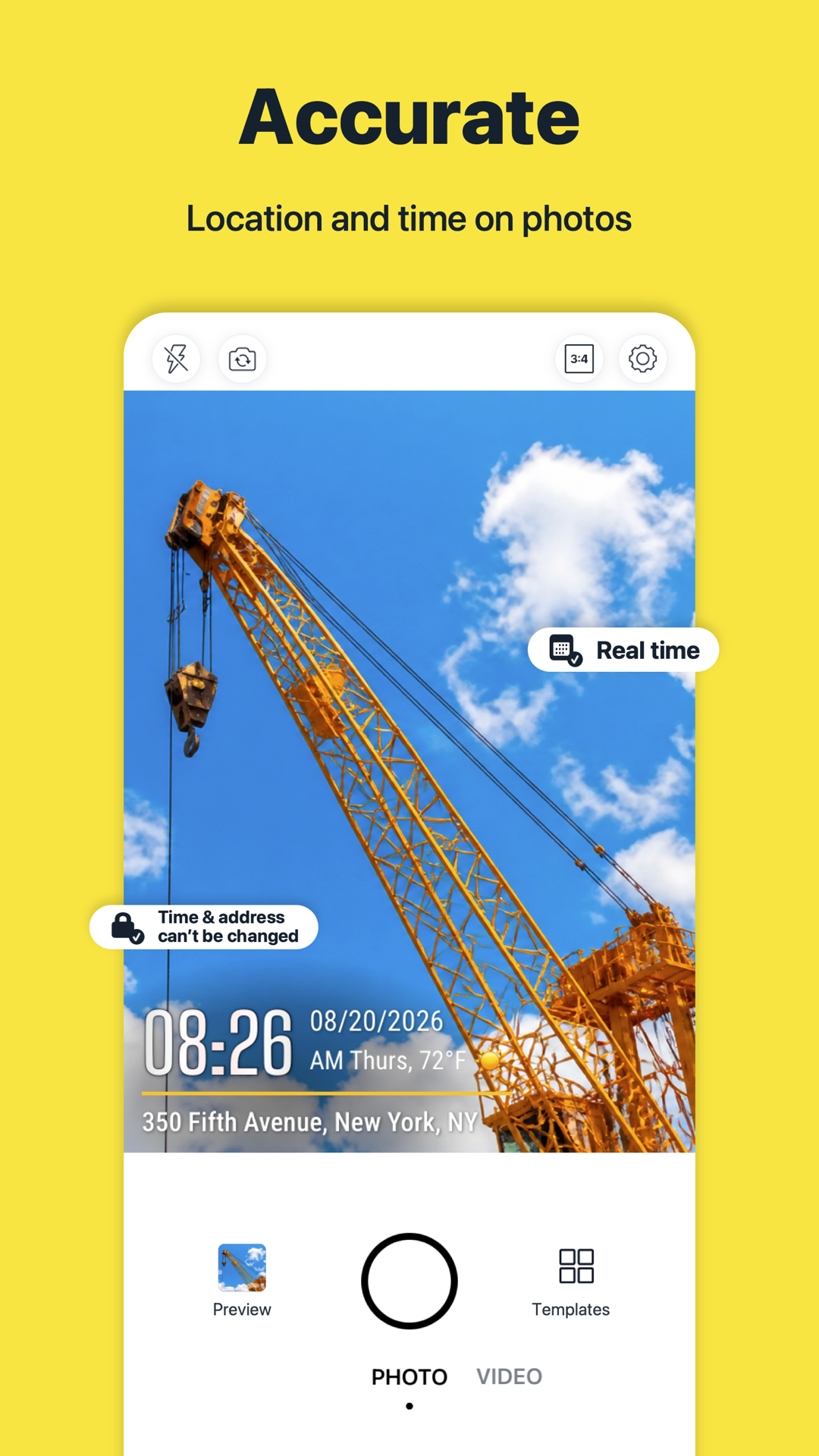
Timeprint automatically calibrates capture time using trusted network time. Manually changing the phone’s clock cannot change the real capture time recorded by Timeprint. Timeprint uses accurate positioning and prohibits virtual locations from being used to falsify the capture location, protecting the authenticity of capture records.
02
A photo code connects to the original record
A photo with a photo code lets you look up its original capture time and location. You can also upload it to compare its time, location and image with the original record.
03
Check changes against the original record
If AI or editing tools have changed the time, location, photo content or background, verification compares the information it can check with the original record. When a difference is found, the report identifies the checks that did not pass. Workers can submit records with supporting evidence, and managers can review them with greater confidence.
Can changing my phone clock change the capture time?
Timeprint automatically calibrates capture time using trusted network time. Manually changing the phone’s clock cannot change the real capture time recorded by Timeprint. Timeprint uses accurate positioning and prohibits virtual locations from being used to falsify the capture location, protecting the authenticity of capture records.
Does a photo code prove that the current image is unedited?
A photo code only shows its capture record. Upload the photo to verify whether the current image matches that record.
Can photos edited with AI or Photoshop pass verification?
If AI or editing tools have changed the time, location, photo content or background, verification compares the information it can check with the original record. When a difference is found, the report identifies the checks that did not pass. Workers can submit records with supporting evidence, and managers can review them with greater confidence.
Does an inconclusive result mean the photo is fake?
No. Missing evidence is different from a detected mismatch. Some photo details could not be read. Upload a clear, uncropped Timeprint photo. Check the results below. Items without enough information have not passed verification.
What is Timeprint Camera used for?
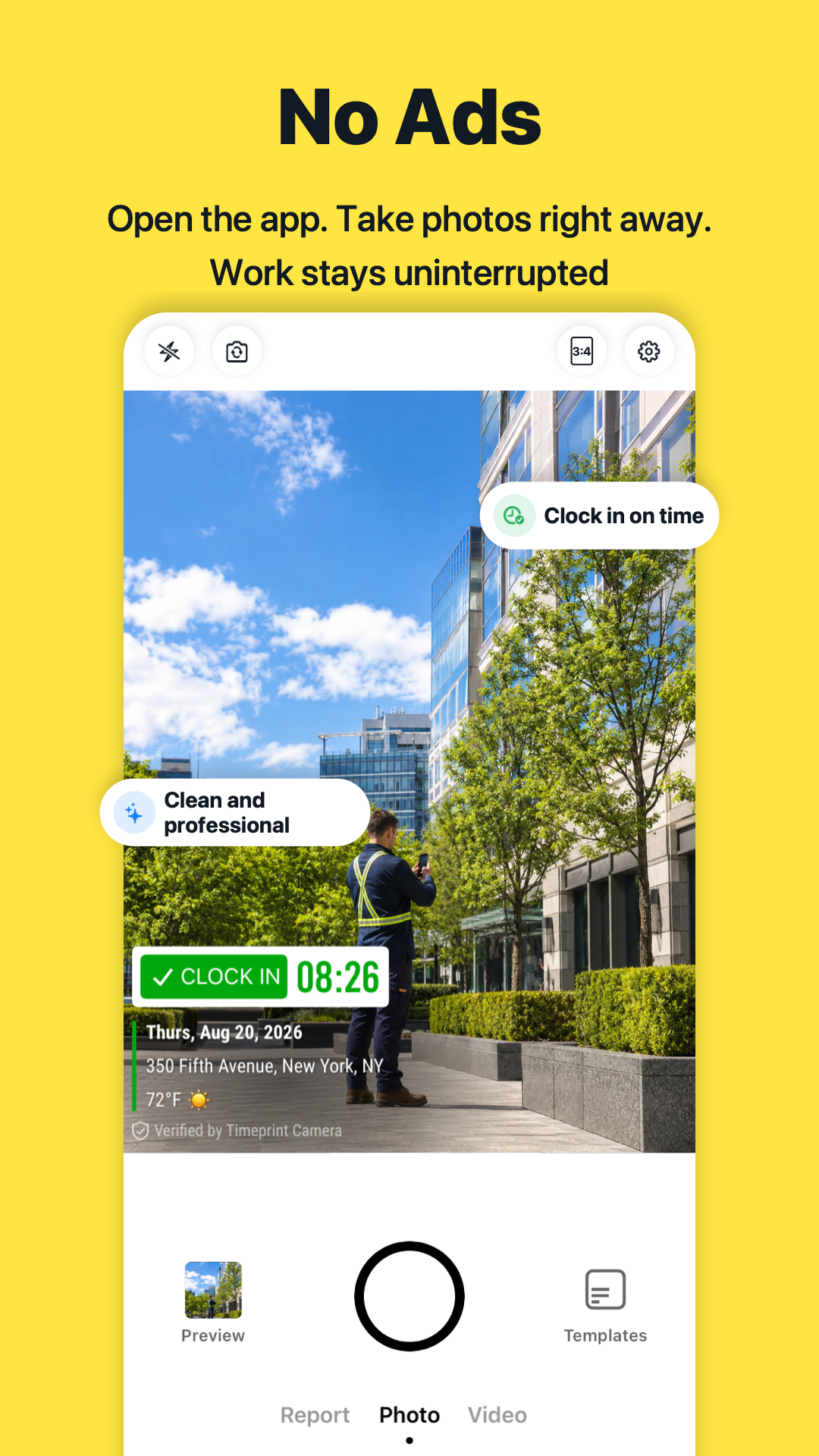
Timeprint Camera is used to capture work photos with time, GPS location, address, map, notes, and watermark details. It helps field teams create clearer photo proof for jobs, inspections, service visits, and site records.
Does Timeprint Camera add GPS and timestamp watermarks to photos?
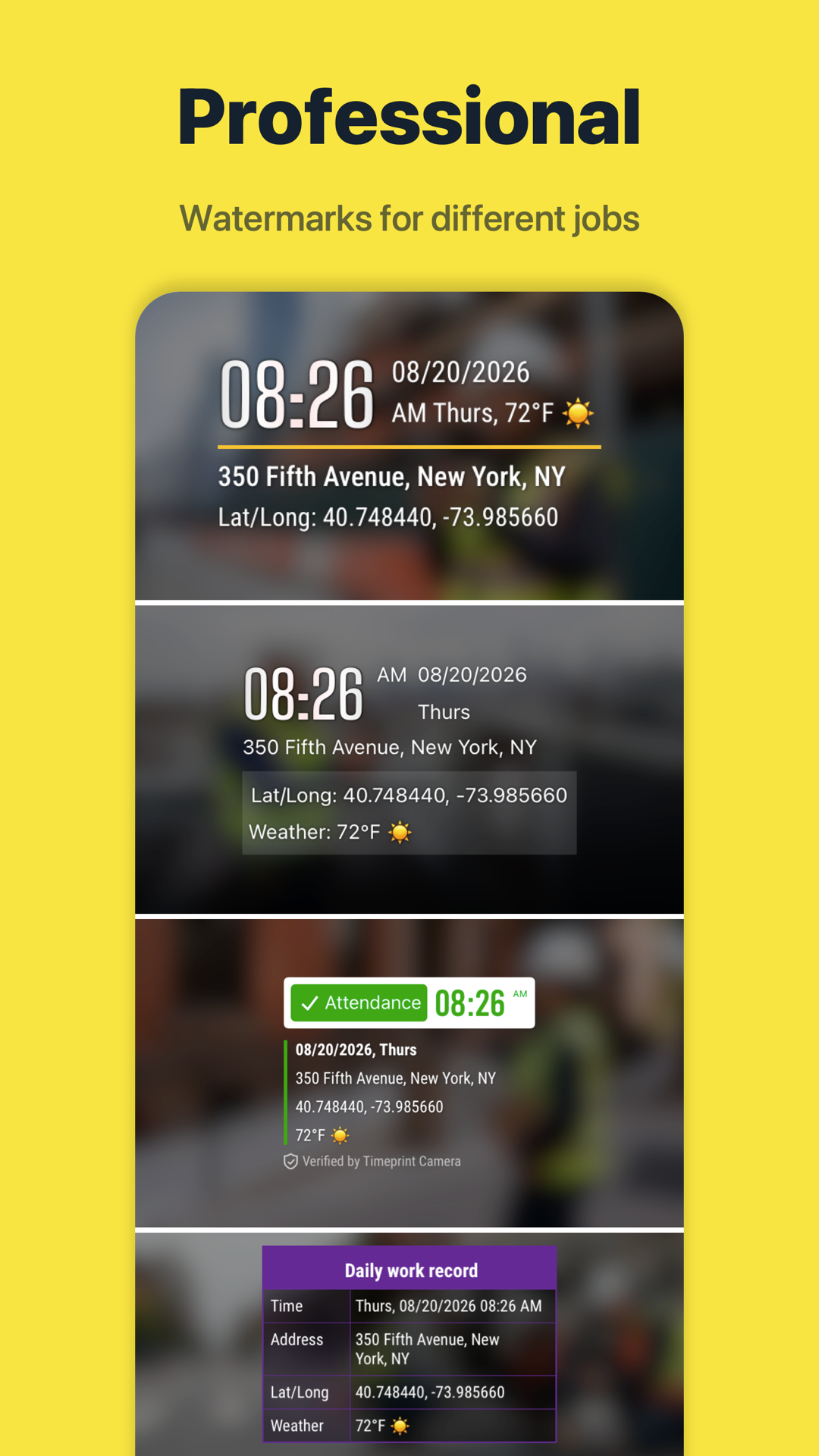
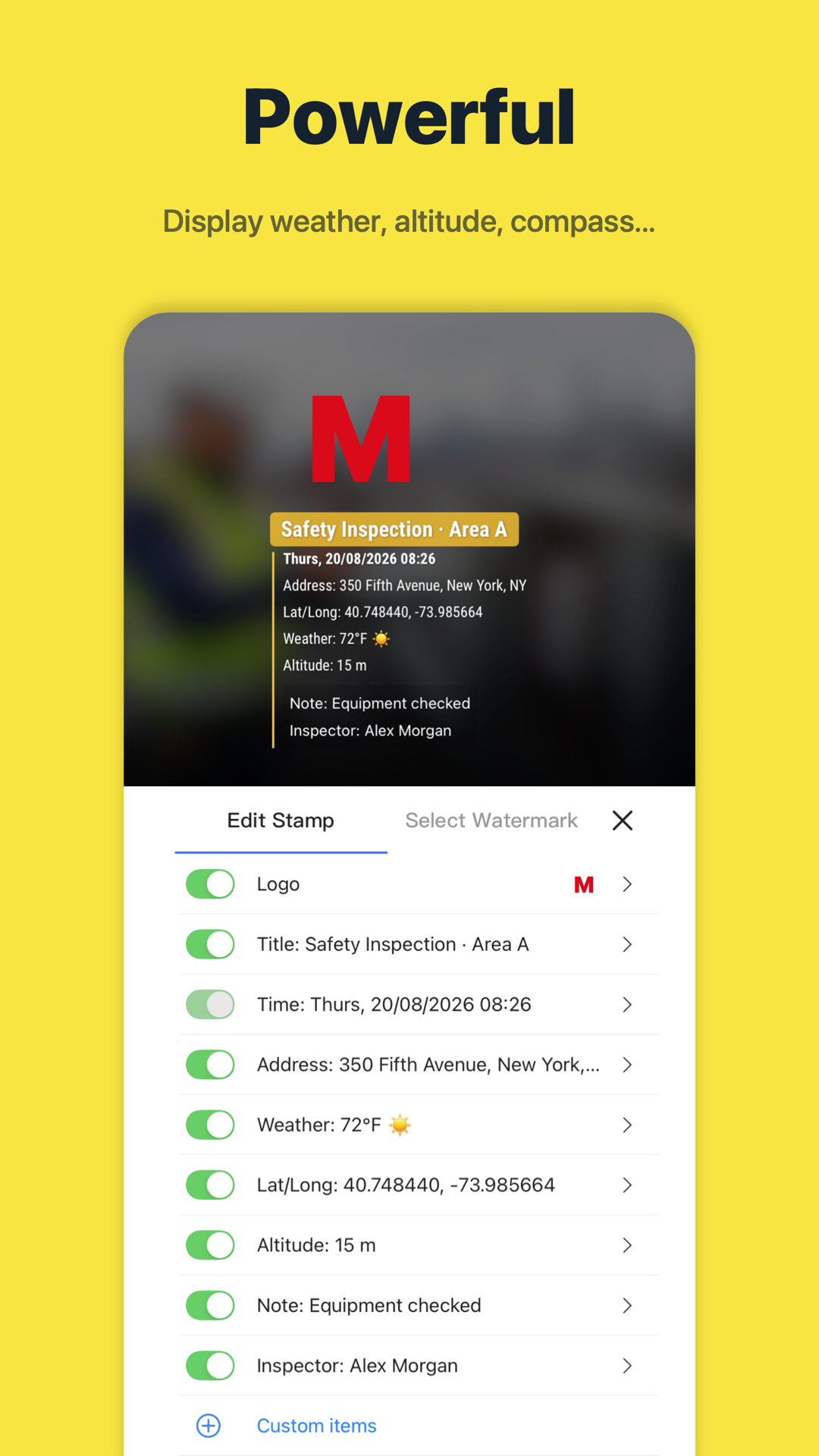
Yes. Timeprint Camera can add timestamp, GPS coordinates, address, map-style location details, notes, project information, and custom watermark fields directly to photos.
Who should use Timeprint Camera?
Timeprint Camera is useful for construction, property management, real estate, cleaning, security, home services, inspections, delivery, maintenance, and other field work where photo proof matters.
How does TeamSpace help teams stay organized?
TeamSpace helps teams keep job photos connected to the right team records, projects, shared templates, and invite links, reducing scattered photos in chat threads and personal albums.
Can I share or export Timeprint photos?
Yes. Timeprint is designed for sharing watermarked photos, shared watermark templates, and team records so photos can be used in reports, client updates, claims, and internal documentation.
Does Timeprint Camera work for simple personal timestamp photos too?
Yes. Although Timeprint is optimized for field work and team records, it can also be used for everyday photos that need a clear time, date, GPS, and address watermark.
Is Timeprint Camera available on iOS and Android?
Yes. Timeprint Camera is available for iPhone through the App Store and for Android through Google Play, with an Android APK download option on the website.
Take Timeprint to your next job
Start with one job photo. Keep the field and your team connected.